Skip to tool

MIYAIP TOOLS

XML to JSON Converter

Turn an XML feed into JSON while keeping its root, attributes and repeated elements visible. Reverse the same mapping to create XML from structured JSON.

XML and JSON workbench

Your input is processed locally in this browser.

200,000 characters · 20,000 XML elements · 64 nesting levels

Results

Enter input or load an example.

Read attributes, text and repeated elements

The converter uses the following mapping:

XML JSON representation
Document root One top-level property with the root name
Attribute Property prefixed with @
Text-only element without attributes String value
Text in an element with attributes #text property
Repeated sibling elements with the same name Array
One child with a given name One value, rather than a one-item array

For example:

<catalog currency="USD">
  <item id="p101"><name>Desk Lamp</name><price>32.00</price></item>
  <item id="p102"><name>Travel Mug</name><price>19.90</price></item>
</catalog>

becomes:

{
  "catalog": {
    "@currency": "USD",
    "item": [
      {"@id":"p101","name":"Desk Lamp","price":"32.00"},
      {"@id":"p102","name":"Travel Mug","price":"19.90"}
    ]
  }
}

Prices remain strings. The converter does not assume that XML text is a number, date or boolean. In a consuming application, normalize the one-versus-many case before iterating over item.
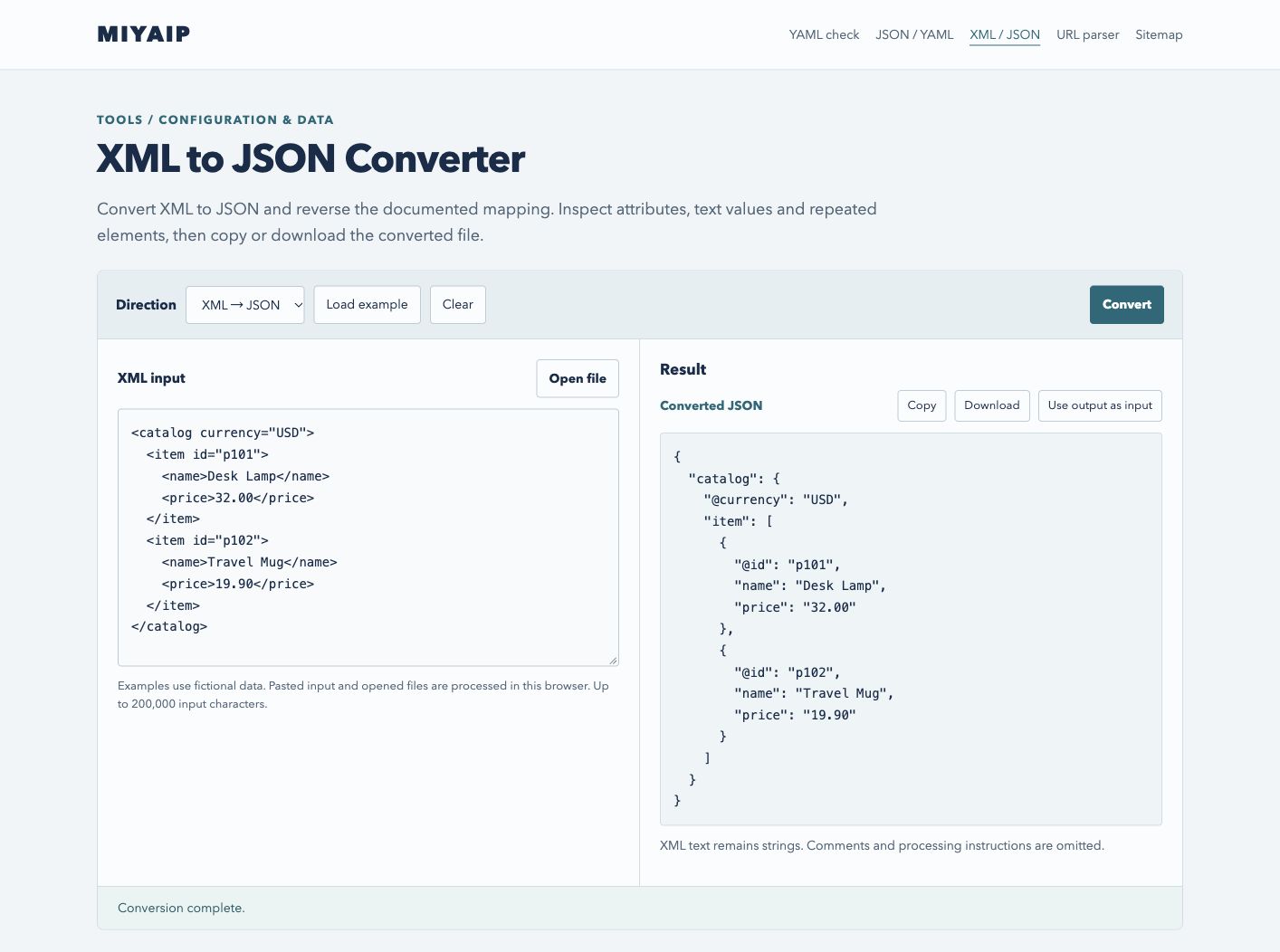
XML to JSON conversion retaining the currency attribute and two catalog items.
The catalog root, currency attribute and two item elements map to a JSON object and array.

Reverse the mapping deliberately

JSON → XML requires an object with exactly one root property. @currency creates an attribute; an item array creates repeated <item> elements. An empty string creates an empty element.

Namespace declarations such as @xmlns and @xmlns:feed can accompany the corresponding element names. Undeclared prefixes produce an error. This converter is not an XSD validator, and it does not infer namespace declarations from a prefix alone.

Numbers and booleans become XML text. A later XML → JSON conversion returns strings, because XML text has no built-in JSON type information. null is rejected: representing a null value requires an agreed convention, such as a schema-defined xsi:nil, rather than an automatic guess.

Use an XML model when order carries meaning

Mixed content such as <p>Read <b>this</b> first.</p> contains ordered text and child elements. The converter rejects it instead of flattening the sentence incorrectly.

Comments and processing instructions are omitted. If sibling names are interleaved, grouping them into JSON properties can change their relative order; a warning appears. Use a native ordered XML model when exact document order, comments, signatures or byte-for-byte reproduction matter.

FAQ

Frequently asked questions

Is this a lossless XML archive format?

No. It is a documented data mapping for feeds and records. Keep the original XML for archival use or exact reproduction.

Why is a single item not an array?

The mapping creates an array only when a sibling name repeats. Wrap a single value in an array in downstream code when your application requires a stable list type.

Does converting a feed collect more pages?

Conversion only processes the supplied document. Fetching pages, following pagination and handling response formats are separate tasks; see the web scraping documentation.

Continue with MIYAIP

Use the resulting data with the intended client or check the connection from the environment where it will run.

Test an XPath selection