1. What is a cloud phone?
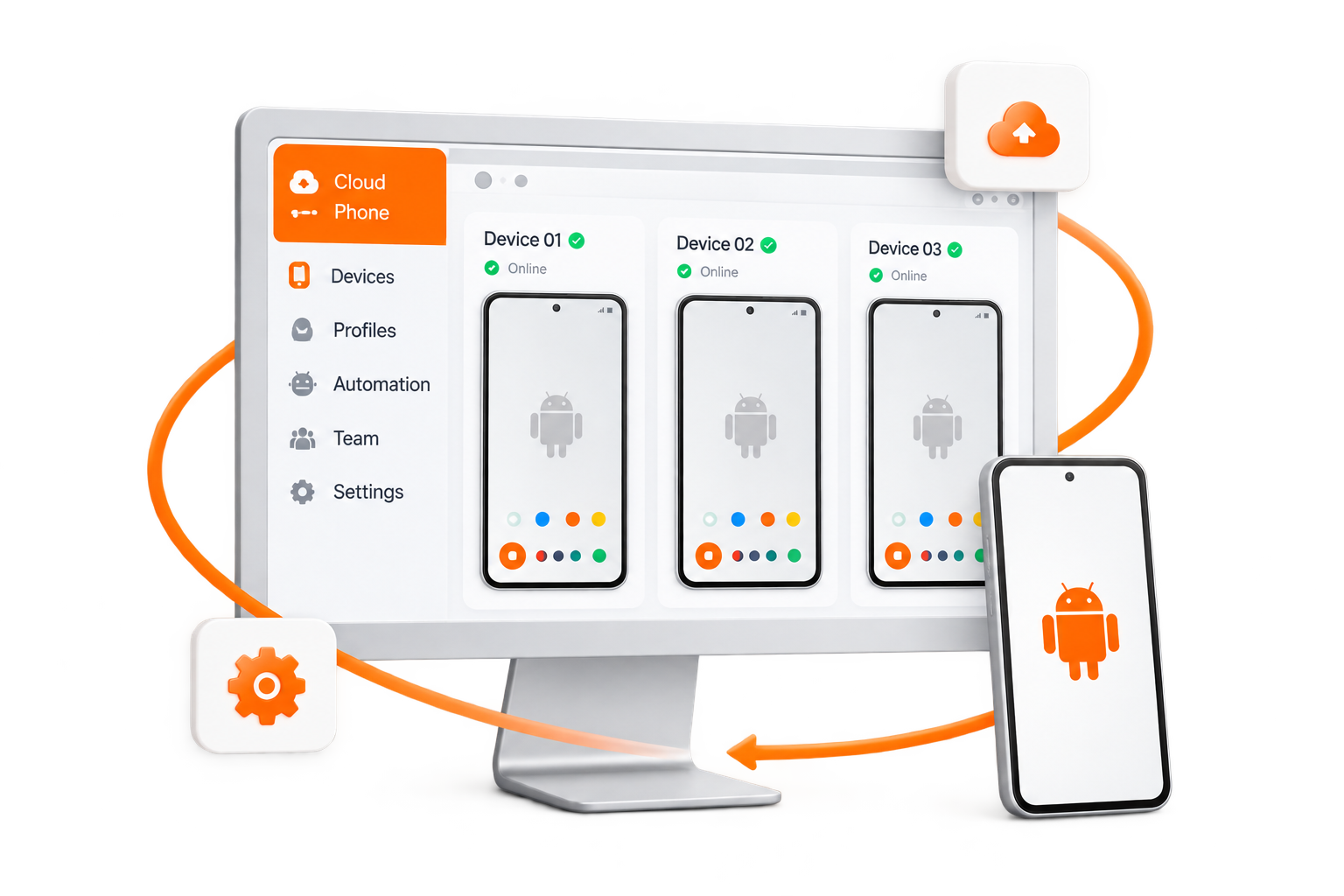
A cloud phone is an Android device hosted in the cloud. Each device has its own environment for apps and accounts, and you access it through the MiyaIP workspace without keeping a physical phone connected.
2. How do I control cloud phones from my PC?
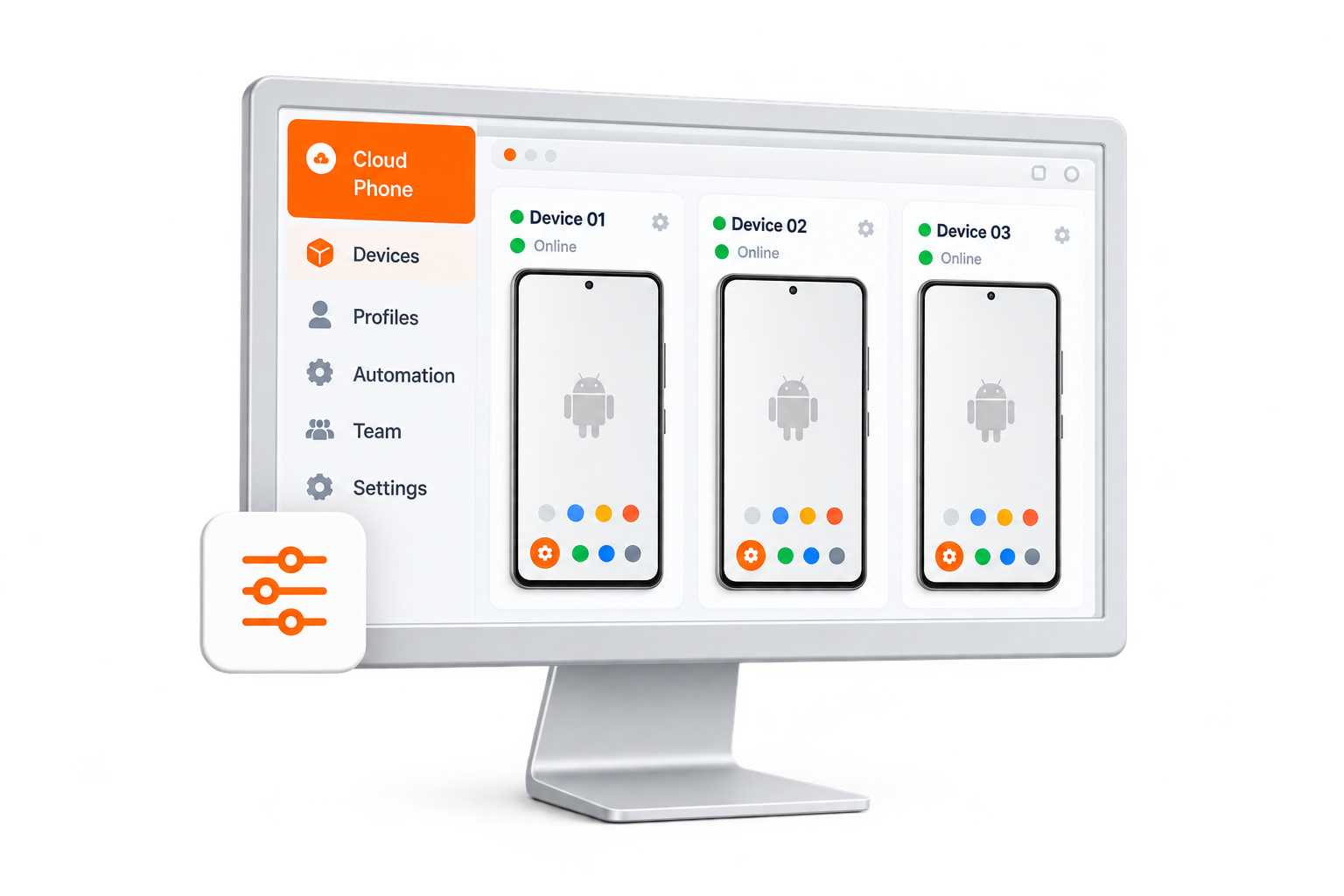
Sign in to MiyaIP, open Cloud Phones in the dashboard, and use My Devices or the Workspace to open and control your devices from your browser. The workspace lets you switch between devices and manage them together.
3. Can I manage multiple accounts?
Yes. Use separate cloud phone environments to organize different apps and accounts, and manage your devices from one workspace. Each environment keeps its own app data.
4. Can I automate repetitive tasks?
Yes. The Cloud Phones Automation area provides Agent and MCP tools for supported mobile workflows. You can also use the workspace to manage repetitive operations across your devices.
5. How are device environments and runtime billed?
The device environment and runtime are charged separately. Both starting combinations include one environment for 30 days. Pay-as-you-go adds 2,000 shared runtime minutes with no expiry; unused minutes remain when an environment expires. Monthly Runtime adds one 30-day runtime slot that can run one device at a time without consuming minute balance. You can switch devices within that slot. Confirm current availability and the final price in the dashboard before payment.