
Lowest upfront
Basic
$9.90total
1,000 API calls · 2 concurrent requests 1,000 calls
- Stable connection
- Unlimited traffic
- Developer-ready access
- No extra bandwidth fee
- 24/7 support
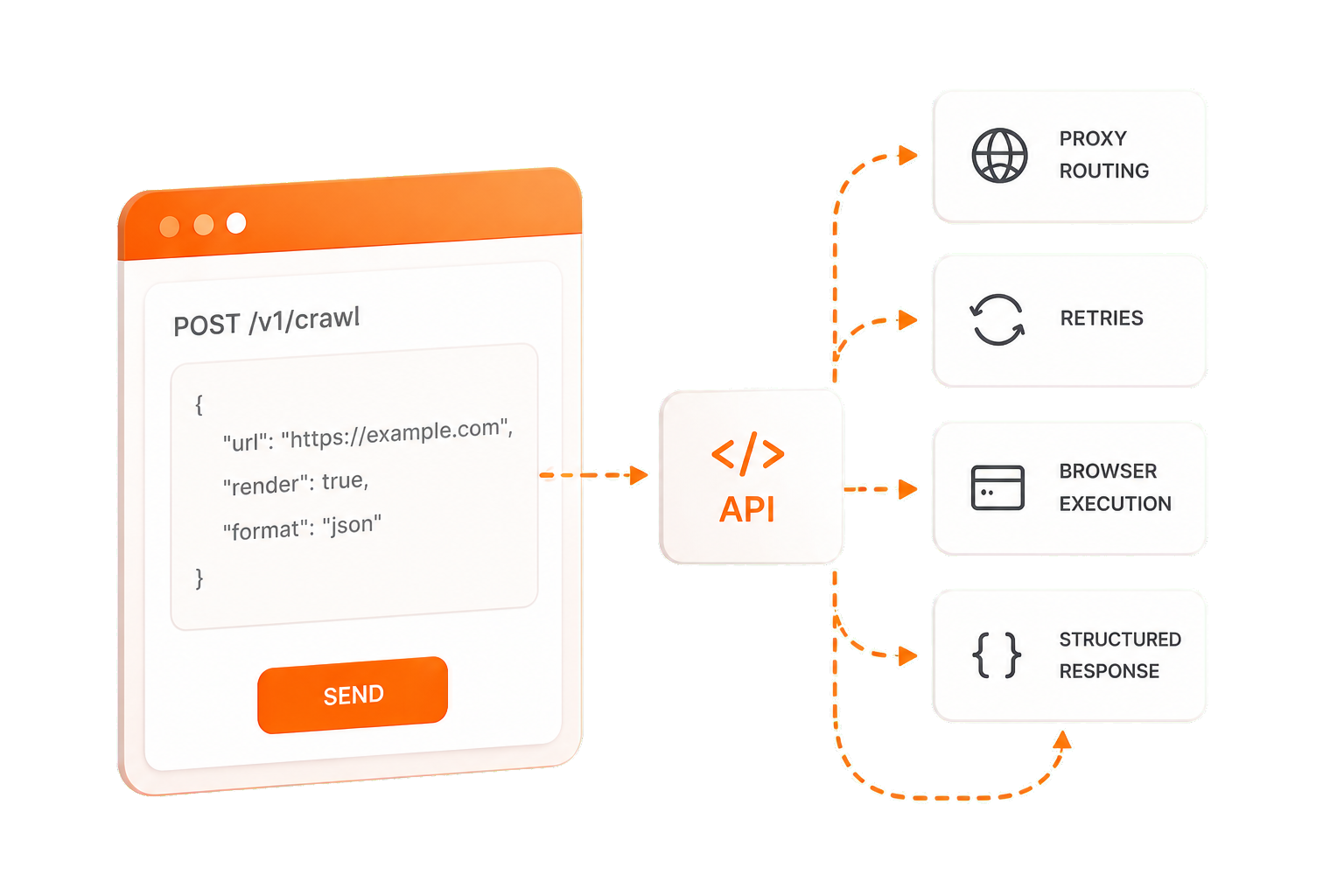
Crawler Invoke
Send a request and let MiyaIP handle proxy routing, retries, browser execution, and response delivery for reliable web data workflows.
Compare packages
Add crawler calls and concurrency with a straightforward package.
$9.90total
1,000 API calls · 2 concurrent requests 1,000 calls
$29.90total
5,000 API calls · 5 concurrent requests 5,000 calls
$99.90total
20,000 API calls · 10 concurrent requests 20,000 calls
Why MIYAIP
Automatically route each request through optimal proxies.
Smart retry logic reduces manual intervention.
Real browser rendering for dynamic sites.
Clean, consistent JSON responses.
FAQ
Clear answers to common questions about Crawler Invoke.
Crawler Invoke provides managed request execution, proxy routing, browser rendering, retries, and structured result delivery through one API.
Each package call covers one supported crawler request. Actual credit behavior can depend on the selected interface and request options.
Concurrency is the number of package requests that can run at the same time.
Open the dashboard to add another package before sending more crawler requests.
Open a package in the dashboard, complete checkout, then use the available crawler interfaces and API credentials.


